Hard Drives (HDD) for Reliable Storage and High-Capacity Data Solutions
Hard Drives (HDD) are essential storage devices used for saving, managing, and securing large volumes of data across computers, CCTV systems, servers, and enterprise infrastructure. This category includes internal HDDs, external portable drives, NAS storage drives, and enterprise-grade data center hard drives.
Our range of HDD storage solutions includes trusted brands such as WD (Western Digital), Ultrastar, SanDisk Professional, and other enterprise-class storage systems designed for performance, durability, and long-term data security.
Whether you need storage for personal use, business applications, surveillance systems, or large-scale data centers, hard drives offer scalable and cost-effective storage performance.
What is a Hard Drive (HDD)?
A Hard Disk Drive (HDD) is a traditional magnetic storage device used to store digital data permanently. It is widely used in desktops, laptops, CCTV DVR/NVR systems, servers, and enterprise storage environments.
HDDs are preferred for their large storage capacity, reliability, and cost efficiency compared to solid-state drives in high-capacity use cases.
Types of Hard Drives Available
- Internal Hard Drives – Installed inside PCs, servers, and surveillance systems for primary storage.
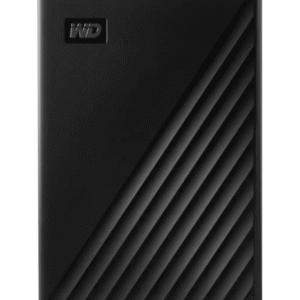
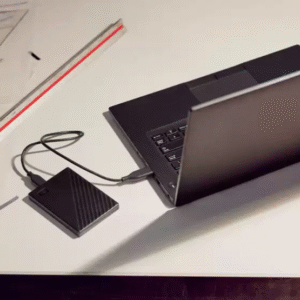
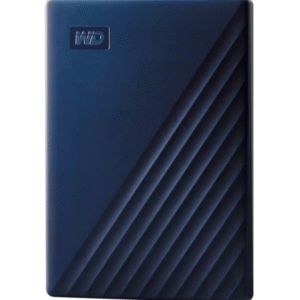
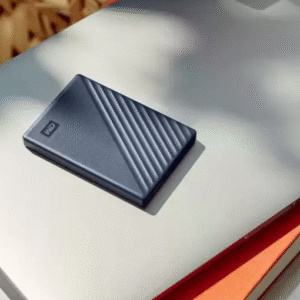
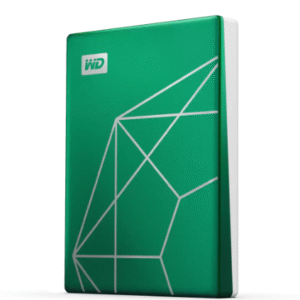
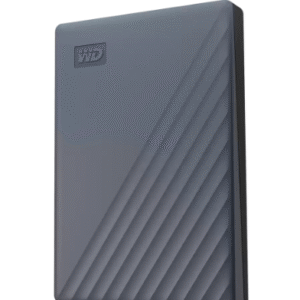
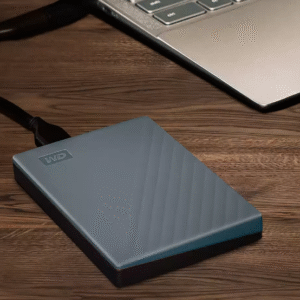
- External Hard Drives – Portable storage devices for backup and file transfer.
- NAS Hard Drives – Designed for network-attached storage systems and continuous operation.
- Surveillance HDDs – Optimized for CCTV recording systems with 24/7 workload support.
- Enterprise & Data Center HDDs – High-performance drives for large-scale storage infrastructure.
Key Features of Modern Hard Drives
Modern HDDs are designed to support high-capacity storage demands with improved reliability and performance for both personal and professional use.
- High storage capacities ranging from 1TB to 48TB+
- Optimized for continuous 24/7 operation (enterprise models)
- Reliable performance for CCTV and data recording systems
- USB-C and Thunderbolt connectivity for external drives
- Durable design for long-term data storage
- Compatible with PCs, DVRs, NVRs, NAS, and servers
- Advanced caching and data transfer optimization
Applications of Hard Drives
Hard drives are used in a wide variety of environments where secure and scalable data storage is required.
- Personal computers and laptops
- CCTV surveillance systems (DVR/NVR storage)
- Business and office data storage
- Cloud and data center infrastructure
- Media production and video editing
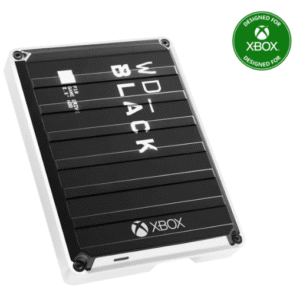
- Gaming and high-performance storage needs
Surveillance vs Enterprise Hard Drives
Surveillance HDDs are optimized for continuous video recording in CCTV systems, while enterprise HDDs are designed for high-performance computing and large-scale data operations in servers and data centers.
Both types are built for reliability, but their workloads and performance optimization differ based on use cases.
Why Choose the Right HDD?
Choosing the correct hard drive ensures better system performance, data security, and long-term reliability. Surveillance systems require drives optimized for continuous writing, while personal and business systems may prioritize speed, portability, or capacity.
Selecting the right HDD helps improve system efficiency and reduces the risk of data loss or performance issues.
How to Choose a Hard Drive
When selecting a hard drive, consider storage capacity, usage type (CCTV, PC, NAS, or enterprise), speed requirements, and durability. For surveillance systems, WD Purple or similar surveillance-grade drives are recommended.
For personal use, portable HDDs like WD My Passport or WD Elements offer convenience and mobility.
Frequently Asked Questions
What is a hard drive used for?
A hard drive is used to store digital data such as files, videos, software, and surveillance recordings.
Which HDD is best for CCTV systems?
Surveillance-grade HDDs like WD Purple or enterprise surveillance drives are best for DVR and NVR systems.
What is the difference between internal and external HDD?
Internal HDDs are installed inside systems, while external HDDs are portable and connect via USB or Thunderbolt.
Are enterprise hard drives better?
Yes, enterprise HDDs are designed for high-performance, continuous operation, and large-scale data environments.
Can HDDs be used for gaming?
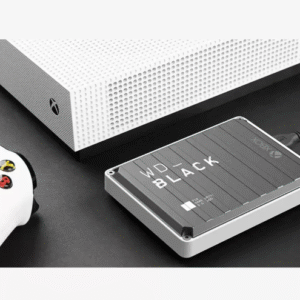
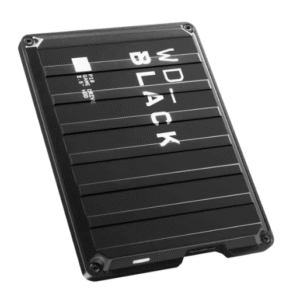
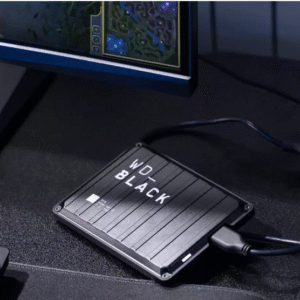
Yes, HDDs can store games, though SSDs offer faster loading speeds. Gaming HDDs like WD_BLACK are optimized for performance.